
One app, from trying to the first years
Your cycle, your pregnancy, your baby's day and your own recovery, in one record kept on your iPhone. No account, no ads and no tracking.
All in one
One record from the first cycle to the first steps. When the test says yes, your cycle history stays right where it was.
Private
No account, no analytics, no ads and no third-party code. Nothing you log reaches us.
For your baby
Feeds, sleep, diapers, growth and milestones take a tap to log, and the people who help see them too.
For you, too
Your recovery, mood check-ins, journal and your own sleep, in a private store that sharing never touches.
Wherever you are, it's ready
Pick a stage. Switching changes the tabs and keeps everything you've recorded.
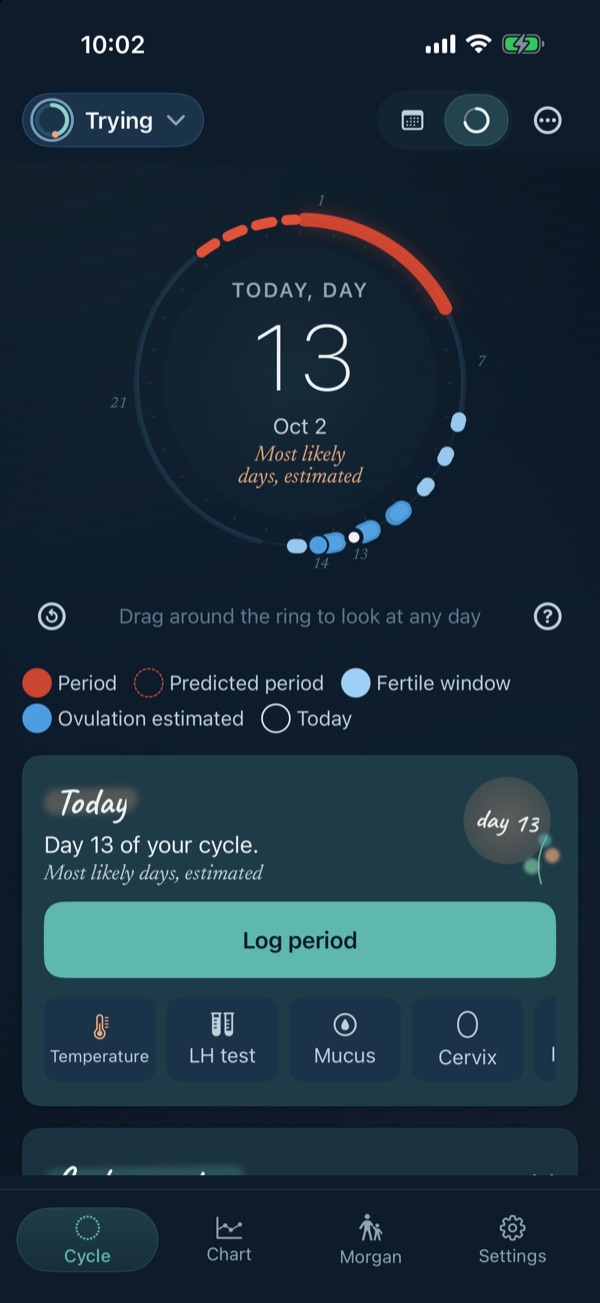
A gentle picture of your cycle
- Temperatures, LH tests and symptoms on one chart, with the app's estimates marked as estimates
- A fertile window shown as a range, never one day, and no estimate at all when your cycles vary too much to say
- The two-week wait, with no countdown
- Test photos dated side by side, never read by the app
- Kept on this phone. Eva's Log never copies it to iCloud or shares it with caregivers
- Free, with no logging limit
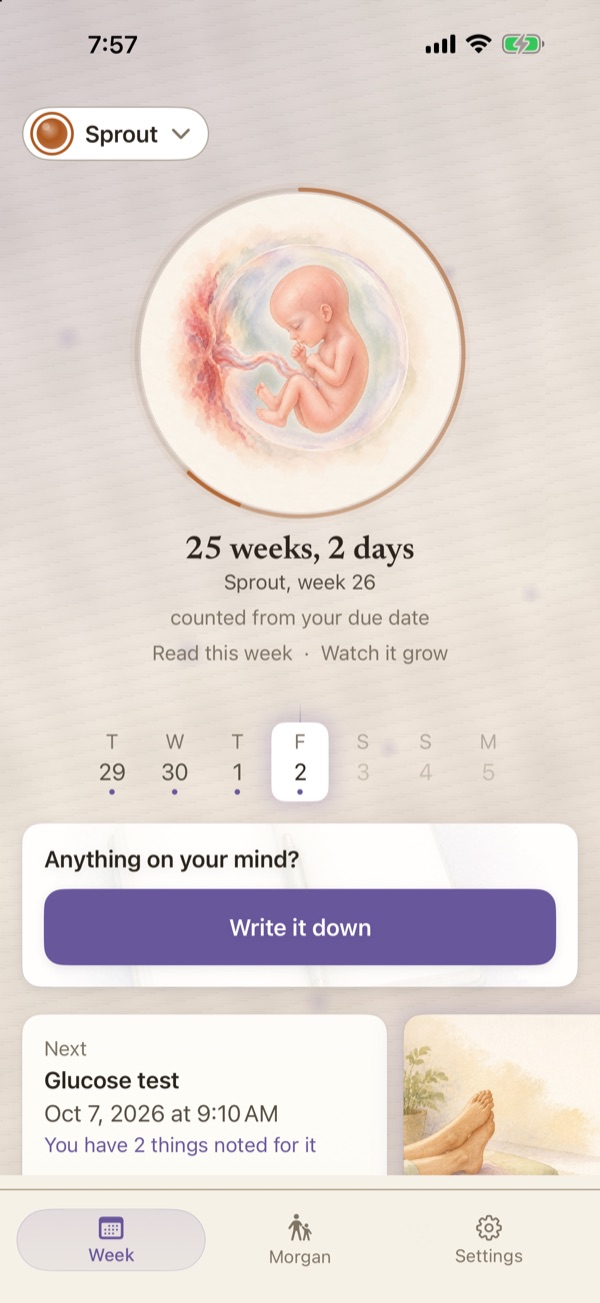
Forty weeks, kept like a book
- A painting of the baby and of you for every week, and 117 answers to “Is it normal?”
- Worries you write in seconds and take to your next visit on one page
- A bleeding log with your provider's number one tap away
- A movement counter with no target number, because you know your baby's pattern best
- The movement counter, contraction timer and bleeding log are never behind Premium
- Letters and bump photos, waiting for you after the birth
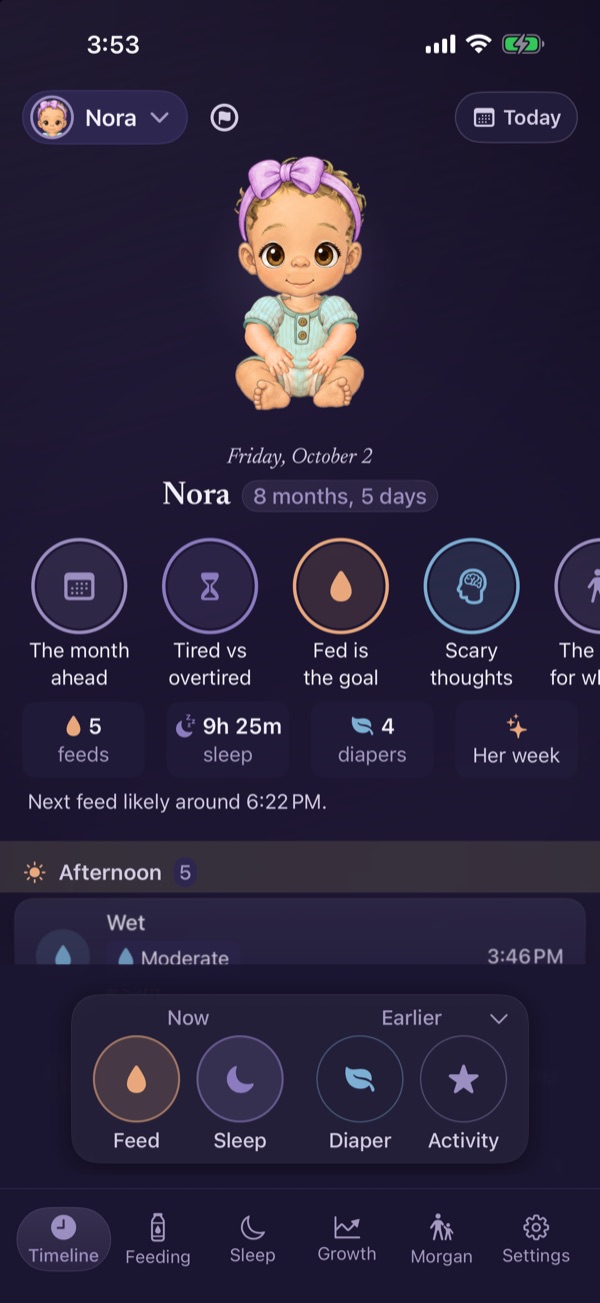
Every feed, nap and diaper, one thumb
- Feeds, sleep, diapers, growth and milestones, a tap each
- Time awake and, from 4 months to 2 years, a wake window range with where it comes from
- Growth charts with percentiles, and every first kept with its date
- Corrected age for babies born early, when you turn it on
- Inviting a co-parent, a grandparent or a sitter is free
- A quiet tab for your own recovery
Your little one, dressed for the day
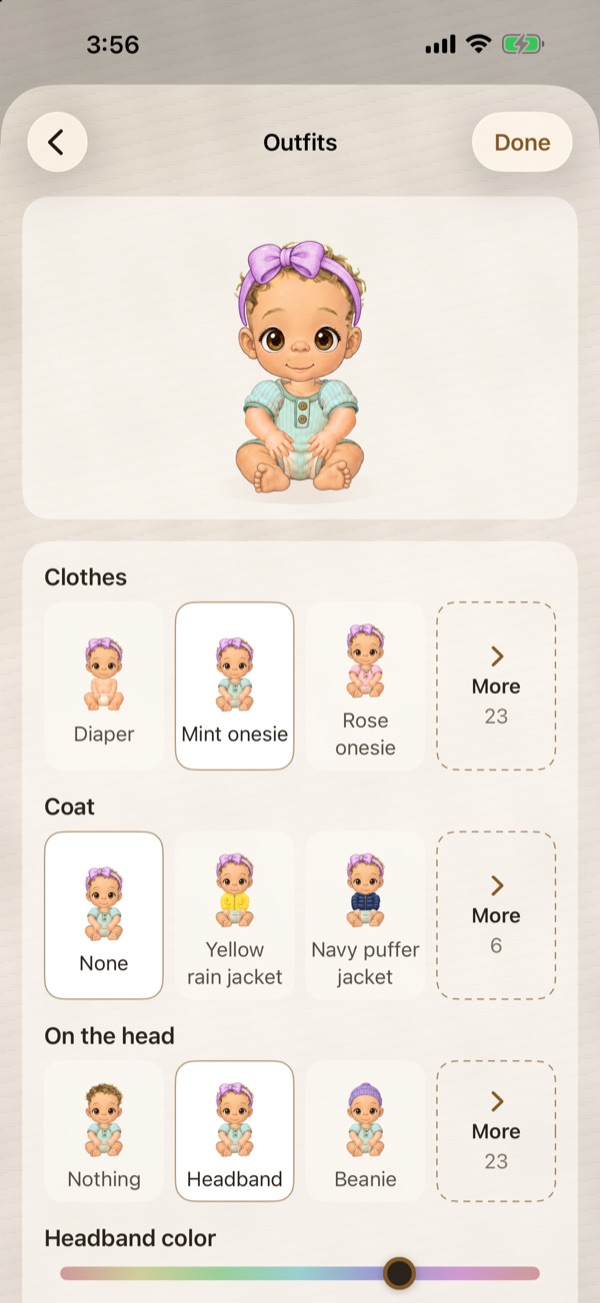
Tap your baby's avatar on the Timeline to choose skin, hair and eyes, then tap “Change outfit” to pick what they wear. Every avatar on this page was drawn by the app itself.


- Illustrated, with more than 100 things to wear and hold, most of them one-time purchases
- Grows with age and the milestones you check
- On the Timeline, the loading screen, widgets and Live Activities
- Share it as a card, square or story, in your own words
- Never made from a photo, and never sent to us
See it in the app
Nora at eight months, then back through the pregnancy to the first cycle.
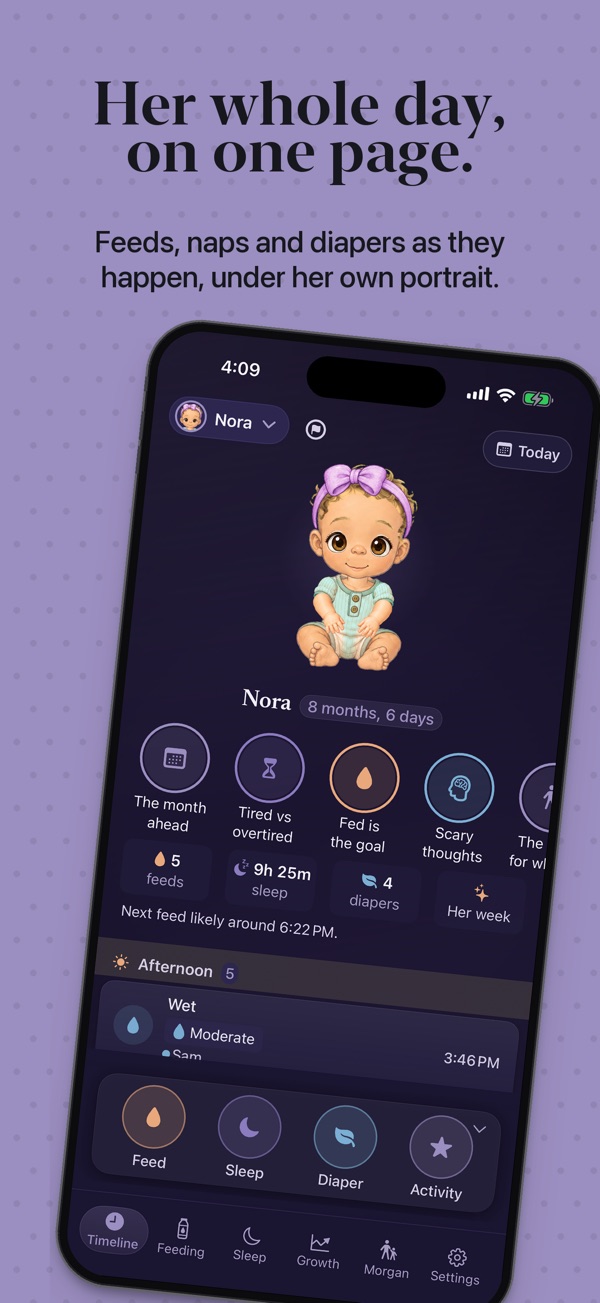
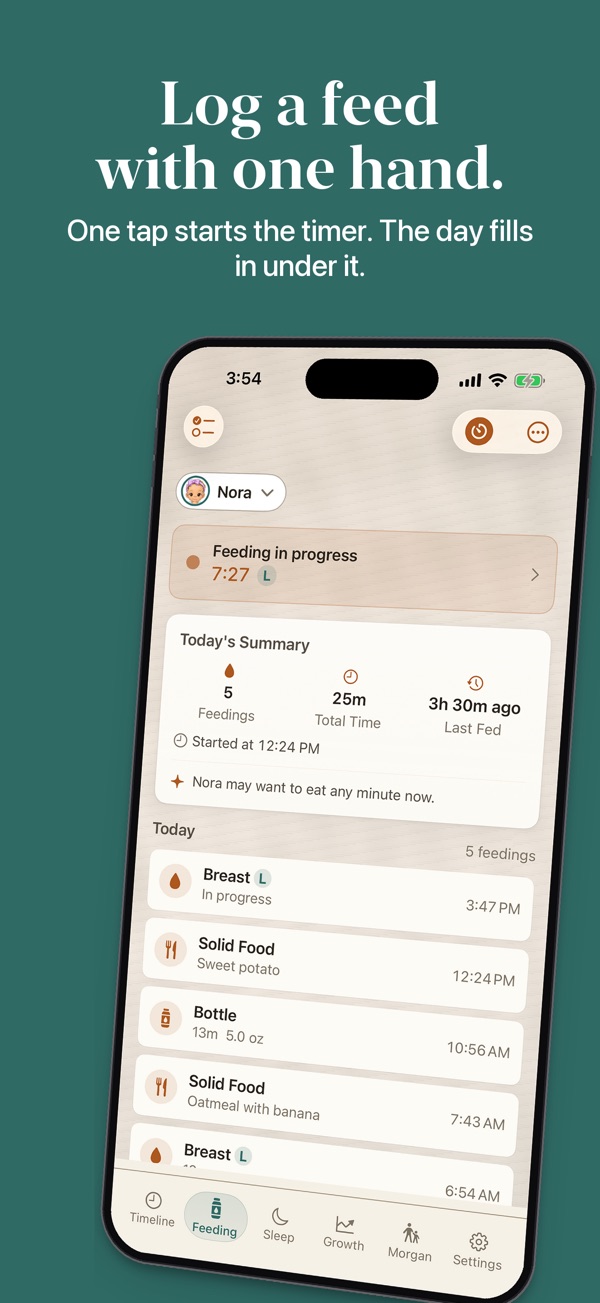
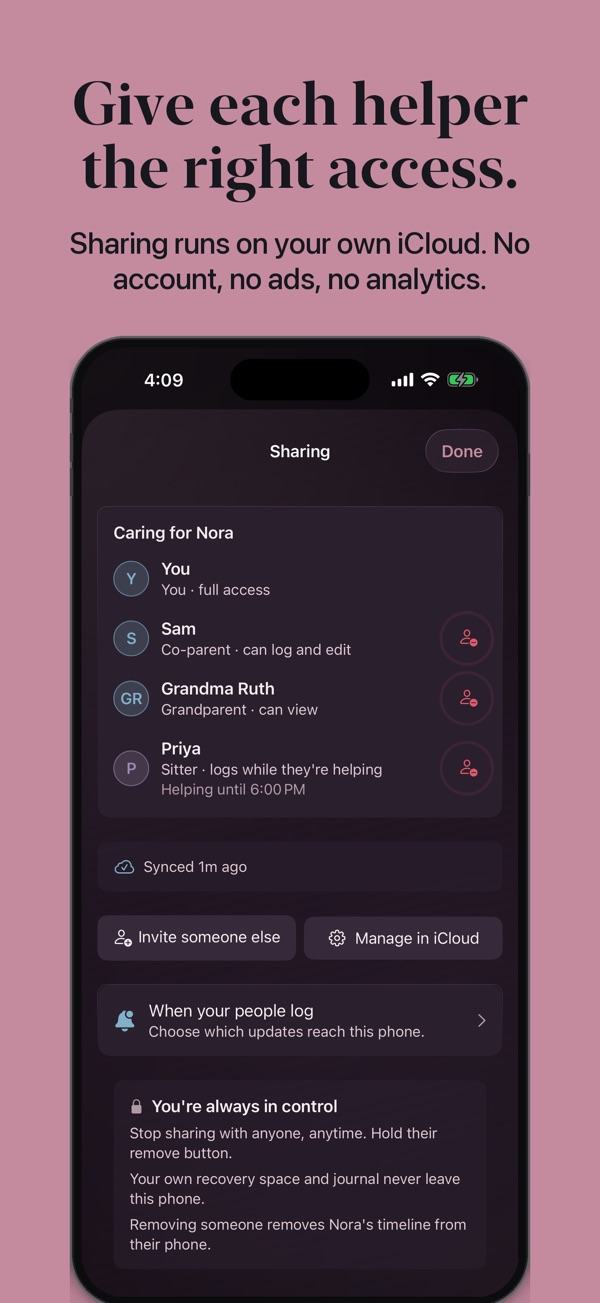
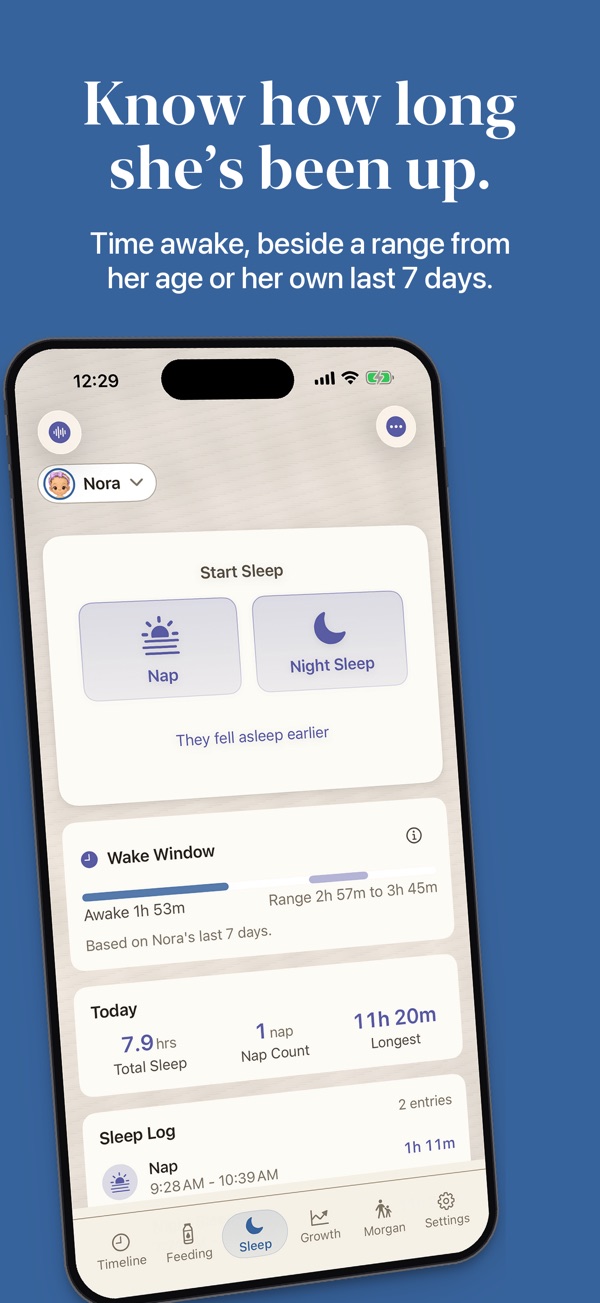
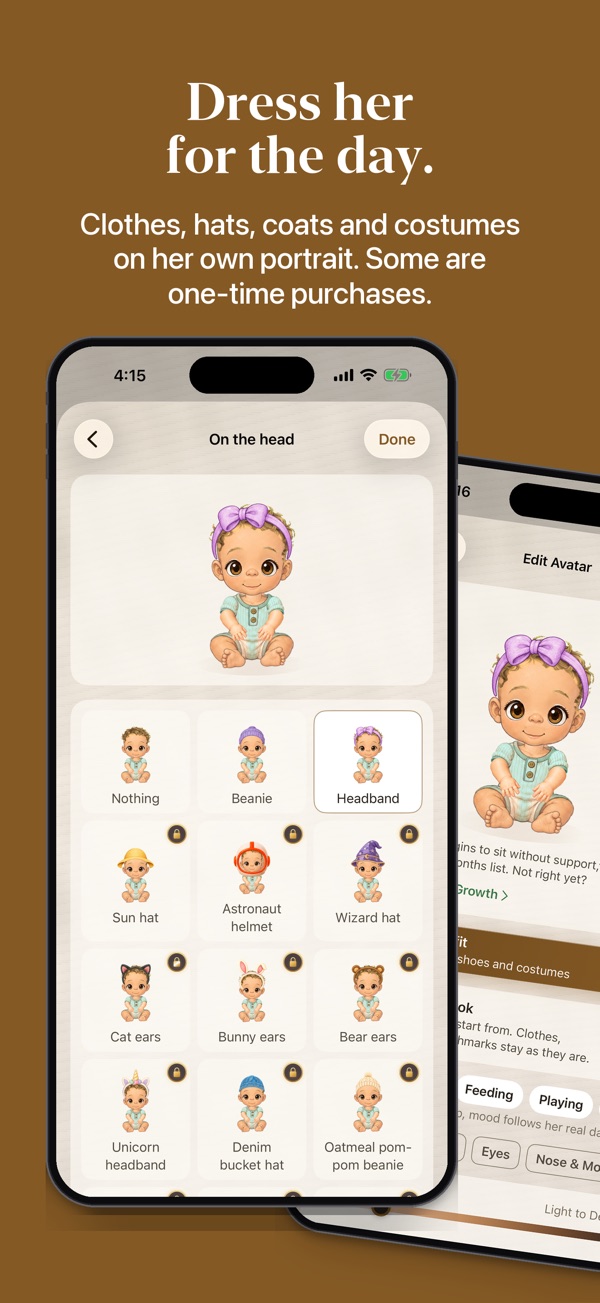
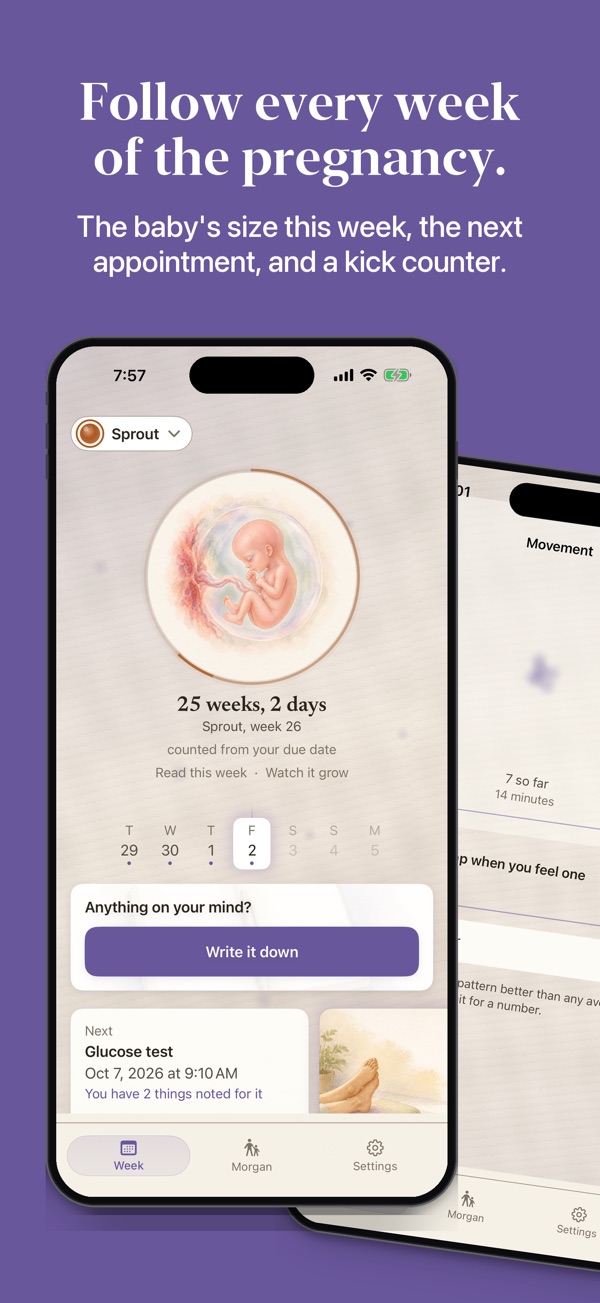
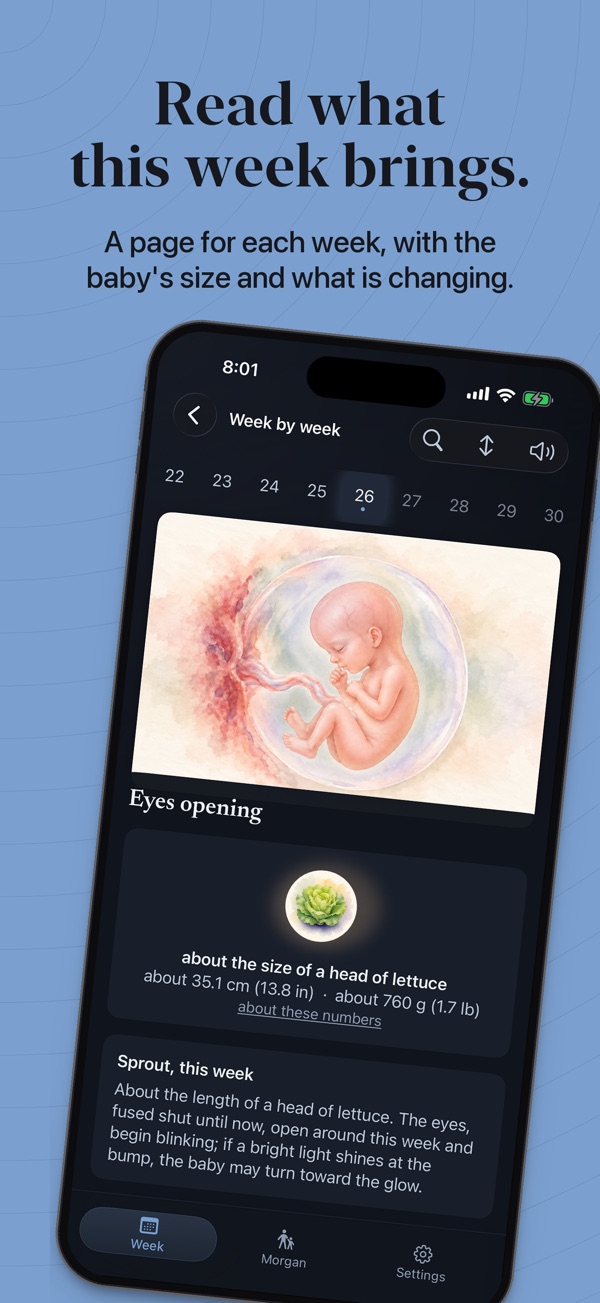
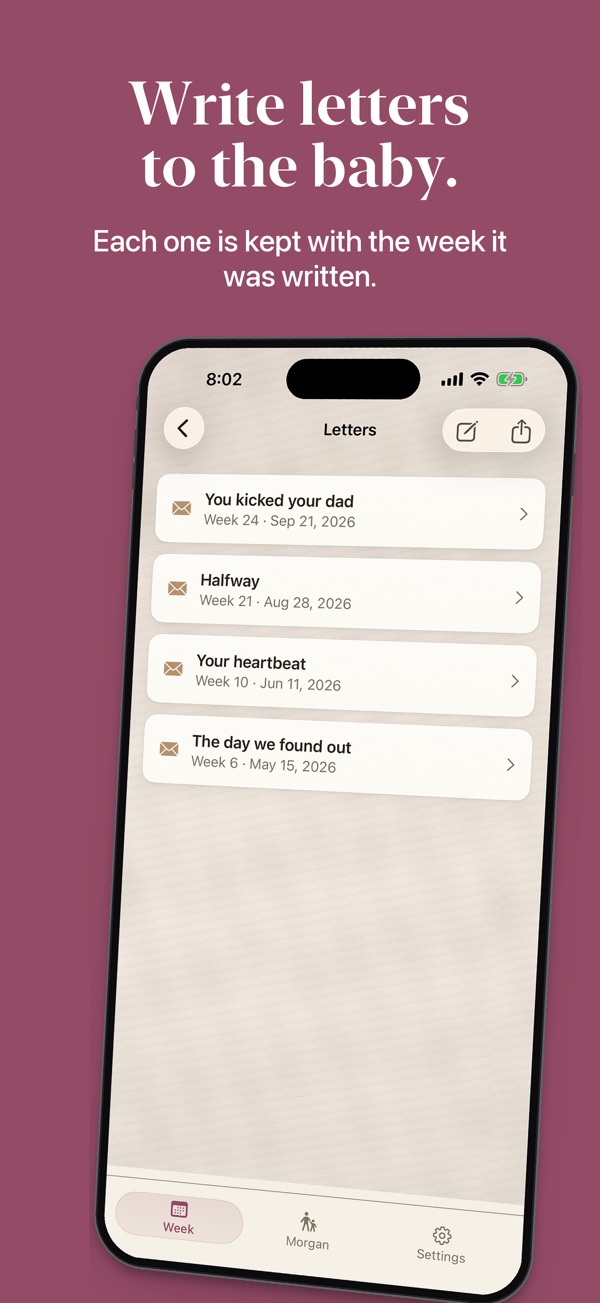
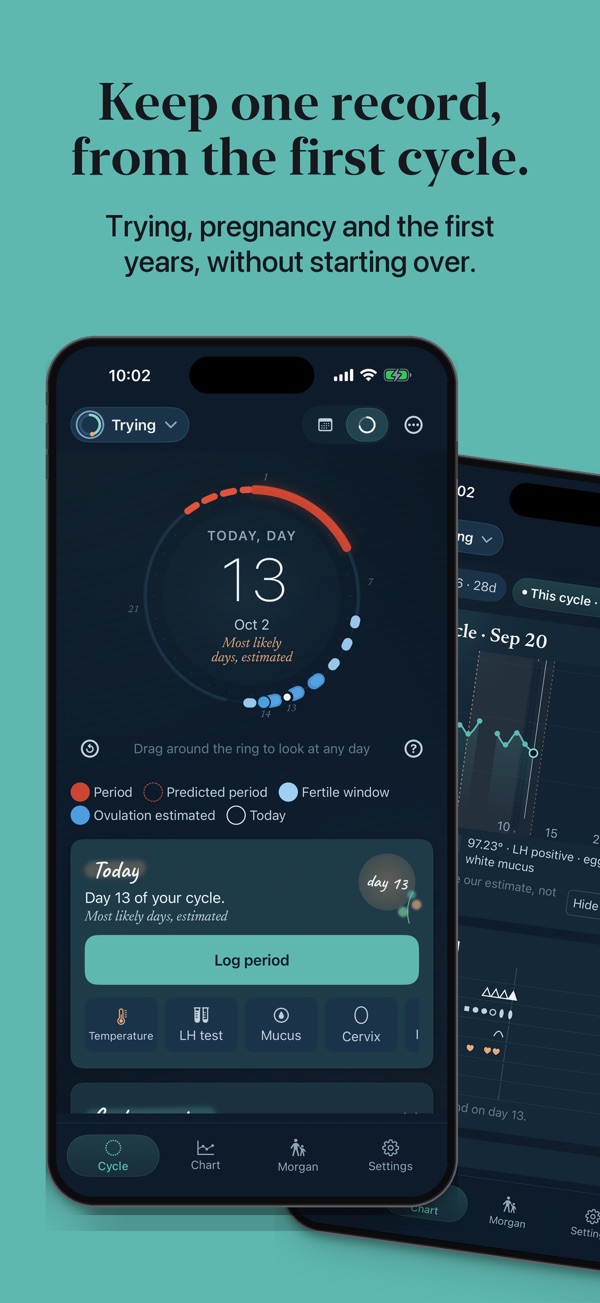
Nora and her family are made up, and every screen comes from the app itself.
They grow up on the screen too
The avatar grows through six stages with your baby's age, from a swaddled newborn to a walker, and it can stand early once you check a standing milestone.
 Newborn
 Sitting up
 Toddling
 Walker
Your own evidence, kept honest
Your temperatures, tests and notes for each day sit on one chart. The app marks its estimates as estimates and says what they rest on. Cycle tracking is free, with no limit.
- After six months of trying, an offer to drop the encouragement and just keep the record
- Written for the other partner too: four short chapters while trying
- Your own appointments, with suggested titles from a preconception visit to monitoring
The cycle, as a calendar or a ring
Forty weeks, with somewhere to put the worry
Every week has a painted page, and the moments that scare you have plain tools. The movement counter, the contraction timer and the bleeding log are never behind Premium.
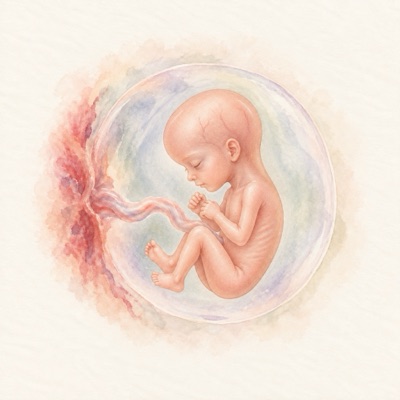
Week 20
- 117 “Is it normal?” answers, drawn from ACOG, NHS, CDC and other published guidance, searchable at night
- A painting of your own body each week too, in four skin tones
- Written for the other parent too: a “This week, for you” note, all 39 weeks
What you get here, and what we found elsewhere
The first years, a tap at a time
Feeds, sleep, diapers, growth and milestones take a tap to log, and the people who help see them too.
Every kind of feeding, one thumb
- Breastfeeding timer with a one-handed L/R toggle
- Bottle presets, solid foods, reaction notes
- Pumping log with a fridge and freezer milk stash
- Formula barcode scanner
- A Big 9 allergen tracker for first tastes
Designed for the dark
- Three-button diaper log, 72pt targets
- Wake windows, corrected-age aware
- Lock Screen sleep timer with a woke-up button
- Night mode is never paywalled
- Cloth counts too: a first-cloth milestone and an impact card
Numbers for the doctor, moments for you
- Growth charts with real percentiles
- A milestone checklist from 2 months to 2 years
- First-Week Coach: 28 daily tips to start
- A note on each month mark and birthday
- No comparison pressure, ever
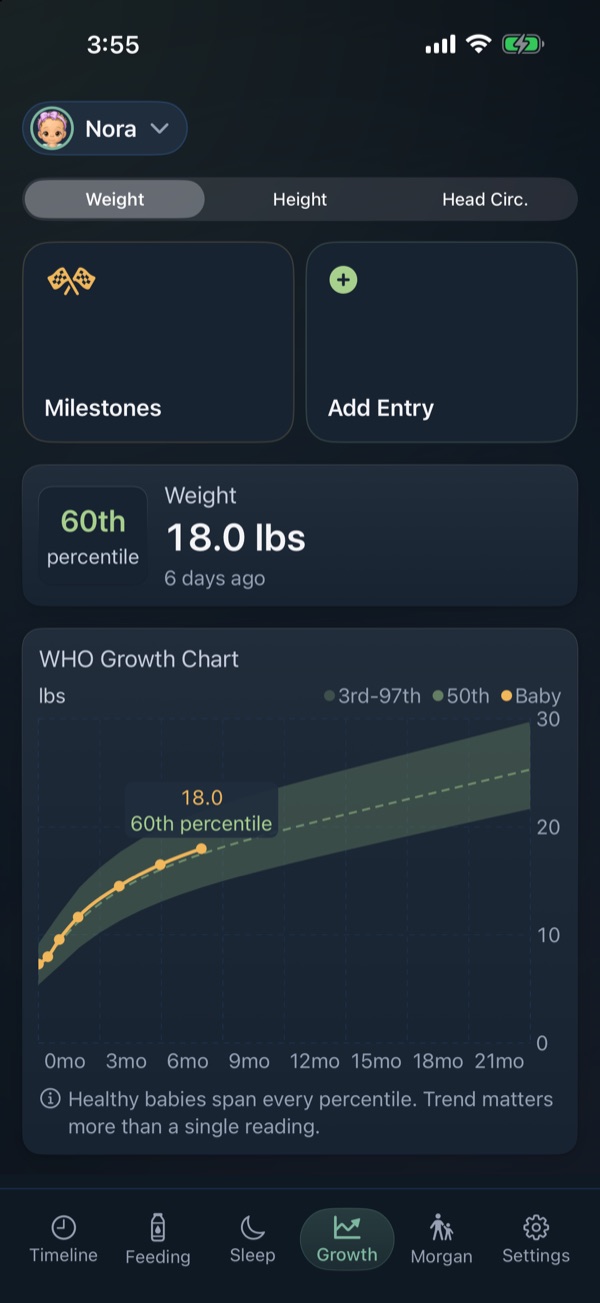
Patterns, not report cards
Every appointment, in one private place
Each child, and your cycle or your pregnancy, one tap apart
- Tap the chip with the face and name at the top of a tab, or “Household” in Settings, to switch
- When the test says yes, tap “I'm pregnant” and your cycle history stays
- What you logged stays put when you switch
- Adding another child with “Add a child”, or a new pregnancy record once an earlier one ended in a birth, is part of Premium. Babies added at setup or at “The baby is here” are free, twins and triplets included, and a pregnancy that ended in a loss never counts
Often you won't even open the app
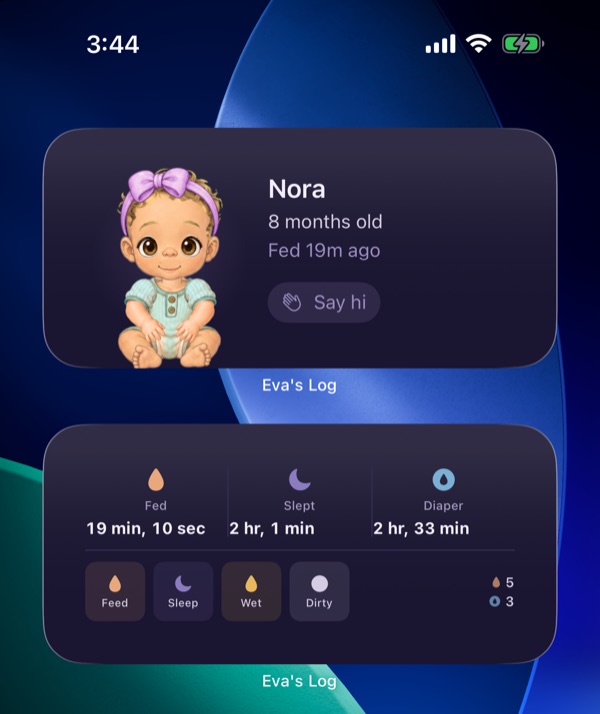
Walks out the door with you
- Pediatrician PDF with growth charts embedded
- Appointment prep: what you logged, for any date range
- CSV of feeds, sleep, diapers, growth and milestones
- A first-year keepsake PDF
- Your pregnancy letters, as one document
On your wrist, at every stage
The Watch follows your household on the iPhone, so its pages change with the stage you're in. Turn the Digital Crown to move between them.
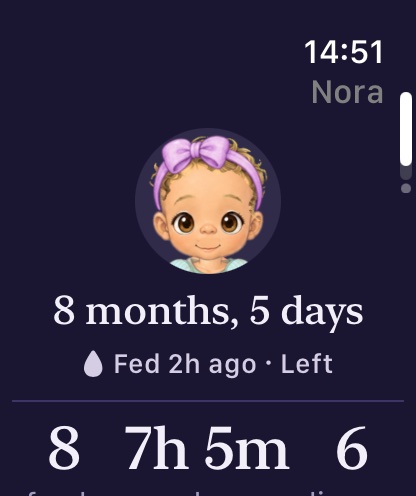
Now 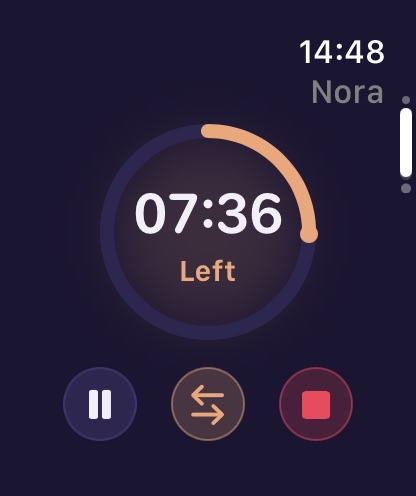
A feed 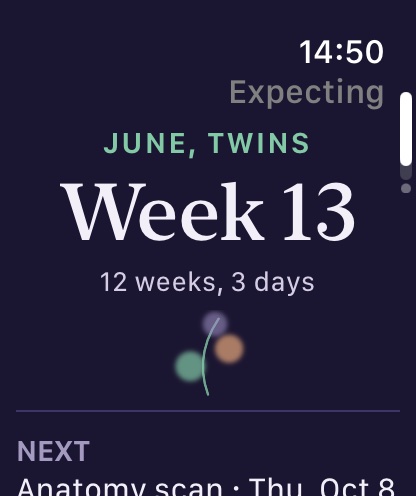
Your week 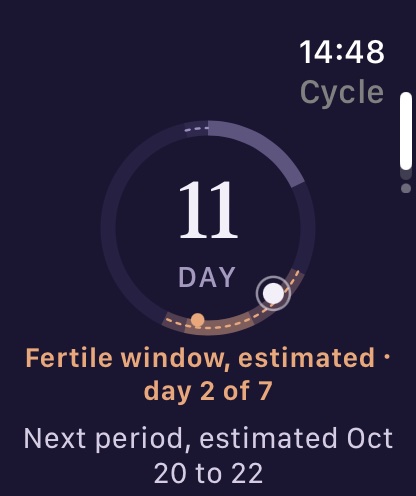
Your cycle
Coming soon to iPhone
Free to start: cycle tracking with no limit, three months of pregnancy diary entries, and 60 days of baby logging. What you log stays free to read.